



Horloge Miroir Infini : Élégance Infinie et Précision Temporelle
Composants et fournitures
| Composant | Quantité |
|---|---|
| Horloge temps réel (RTC) | 1 |
| Arduino Nano R3 | 1 |
| Résistance 10 kΩ | 3 |
À propos de ce projet
Nous sommes face à un design merveilleux que vous pouvez offrir comme cadeau pour vous-même : l'Horloge Miroir Infini. Ne voudriez-vous pas que votre miroir ait une apparence infinie et serve en même temps d'horloge ? Nous sommes très heureux de partager ce projet avec vous, réalisé avec des LEDs RGB largement utilisées aujourd'hui. Vous pouvez apprendre à fabriquer une horloge miroir infini en regardant la vidéo.
Code
Code Arduino Arduino
#include <Adafruit_NeoPixel.h>
#include <stdio.h>
#include <DS1302.h>

#ifdef __AVR__
#include <avr/power.h>
#endif

#define PIN 8
#define NUMPIXELS 60

Adafruit_NeoPixel pixels = Adafruit_NeoPixel(NUMPIXELS, PIN, NEO_GRB + NEO_KHZ800);
Adafruit_NeoPixel strip = Adafruit_NeoPixel(60, PIN, NEO_GRB + NEO_KHZ800);

namespace {
  byte ysaat;
  byte ydak;
  byte saat;
  byte dak;
  byte sn;
  byte kontrol = 0;
  const int kCePin = 5; // Chip Enable
  const int kIoPin = 6; // Input/Output
  const int kSclkPin = 7; // Serial Clock
  DS1302 rtc(kCePin, kIoPin, kSclkPin);
}

void printTime() {
  // Get the current time and date from the chip.
  Time t = rtc.time();
  saat = t.hr;
  dak = t.min;
  sn = t.sec;
  if (saat >= 12) { saat = saat - 12; }
  pixels.setPixelColor(5 * saat, pixels.Color(25, 25, 255));
  pixels.setPixelColor(dak, pixels.Color(0, 200, 10));
  pixels.setPixelColor(sn, pixels.Color(255, 0, 0));
  pixels.show();
  // Serial.println(t.sec);
  // pixels.setPixelColor(t.hr, pixels.Color(0,0,0));
  // pixels.setPixelColor(t.sec-1, pixels.Color(0,0,0));
  pixels.show();
  if (sn == 0) {
    pixels.setPixelColor(dak - 1, pixels.Color(0, 0, 0));
    pixels.setPixelColor(dak, pixels.Color(0, 200, 10));
    pixels.show();
    for (int i = 1; i < 60; i++) {
      pixels.setPixelColor(i, pixels.Color(0, 0, 0));
    }
  }
  if (dak == 0) {
    pixels.setPixelColor(59, pixels.Color(0, 0, 0));
  }
}

void animasyon() {
  colorWipe(strip.Color(255, 0, 0), 25); // Red
  colorWipe(strip.Color(0, 255, 0), 25); // Green
  colorWipe(strip.Color(0, 0, 255), 25); // Blue
  theaterChase(strip.Color(127, 127, 127), 50); // White
  theaterChase(strip.Color(127, 0, 0), 50); // Red
  theaterChase(strip.Color(0, 0, 127), 50); // Blue
  for (int i = 1; i < 60; i++) {
    pixels.setPixelColor(i, pixels.Color(0, 0, 0));
  }
}

void colorWipe(uint32_t c, uint8_t wait) {
  for (uint16_t i = 0; i < strip.numPixels(); i++) {
    strip.setPixelColor(i, c);
    strip.show();
    delay(wait);
  }
}

void theaterChase(uint32_t c, uint8_t wait) {
  for (int j = 0; j < 10; j++) { // do 10 cycles of chasing
    for (int q = 0; q < 3; q++) {
      for (uint16_t i = 0; i < strip.numPixels(); i = i + 3) {
        strip.setPixelColor(i + q, c); // turn every third pixel on
      }
      strip.show();
      delay(wait);
      for (uint16_t i = 0; i < strip.numPixels(); i = i + 3) {
        strip.setPixelColor(i + q, 0); // turn every third pixel off
      }
    }
  }
}

void yenisaat() {
  // kontrol = 0;
  saat = ysaat;
  dak = ydak;
  Time t(2018, 2, 23, ysaat, ydak, 0, Time::kFriday);
  rtc.time(t);
}

int clockSet = 10;
int up = 11;
int down = 12;

void setup() {
  Serial.begin(9600);
#if defined (__AVR_ATtiny85__)
  if (F_CPU == 16000000) clock_prescale_set(clock_div_1);
#endif
  strip.begin();
  strip.show();
  pixels.begin();
  pinMode(clockSet, INPUT);
  rtc.writeProtect(false);
  rtc.halt(false);
}

void loop() {
  if (kontrol == 1) {
    pixels.setPixelColor(5 * ysaat, pixels.Color(25, 25, 255));
    pixels.show();
    delay(100);
    pixels.setPixelColor(5 * ysaat, pixels.Color(0, 0, 0));
    pixels.show();
    delay(100);
    if (digitalRead(up) == HIGH) {
      ysaat++;
      while (digitalRead(up) == HIGH);
      if (ysaat == 12) { ysaat = 0; }
    }
    if (digitalRead(down) == HIGH) {
      ysaat--;
      while (digitalRead(down) == HIGH);
      if (ysaat == 255) { ysaat = 11; }
    }
    pixels.setPixelColor(5 * ysaat, pixels.Color(25, 25, 255));
    pixels.show();
    delay(100);
    pixels.setPixelColor(5 * ysaat, pixels.Color(0, 0, 0));
    pixels.show();
    delay(100);
    yenisaat();
    if (digitalRead(clockSet) == HIGH) {
      while (digitalRead(clockSet) == HIGH) {
        pixels.setPixelColor(kontrol, pixels.Color(255, 255, 255));
        pixels.show();
      }
      pixels.setPixelColor(kontrol, pixels.Color(0, 0, 0));
      pixels.show();
      kontrol++;
      ysaat = saat;
      ydak = dak;
    }
  }
  if (kontrol == 2) {
    if (digitalRead(clockSet) == HIGH) {
      kontrol++;
      while (digitalRead(clockSet) == HIGH) { }
      ysaat = saat;
      ydak = dak;
    }
    if (digitalRead(up) == HIGH) {
      ydak++;
      while (digitalRead(up) == HIGH);
      if (ydak == 60) { ysaat = 0; }
    }
    if (digitalRead(down) == HIGH) {
      ydak--;
      while (digitalRead(down) == HIGH);
      if (ydak == 255) { ydak = 59; }
    }
    pixels.setPixelColor(ydak, pixels.Color(0, 205, 10));
    pixels.show();
    yenisaat();
    delay(100);
    pixels.setPixelColor(ydak, pixels.Color(0, 0, 0));
    pixels.show();
    delay(100);
  }
  if (kontrol == 3) {
    kontrol = 0;
    yenisaat();
  }
  while (kontrol == 0) {
    if (digitalRead(up) == HIGH) {
      animasyon();
    }
    if (digitalRead(clockSet) == HIGH) {
      kontrol++;
      while (digitalRead(clockSet) == HIGH);
      ysaat = saat;
      ydak = dak;
    }
    printTime();
  }
}
Pièces personnalisées et boîtiers
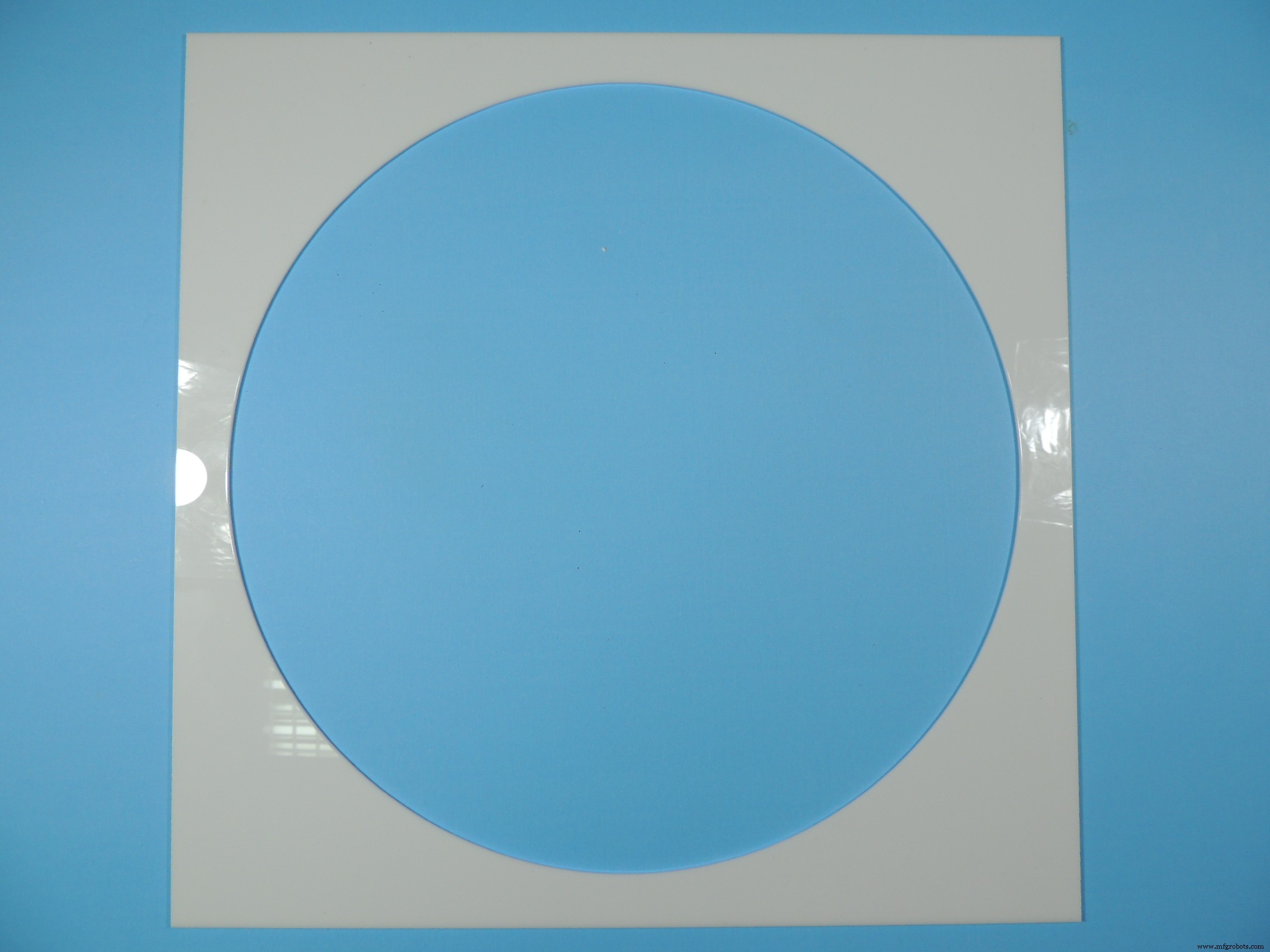
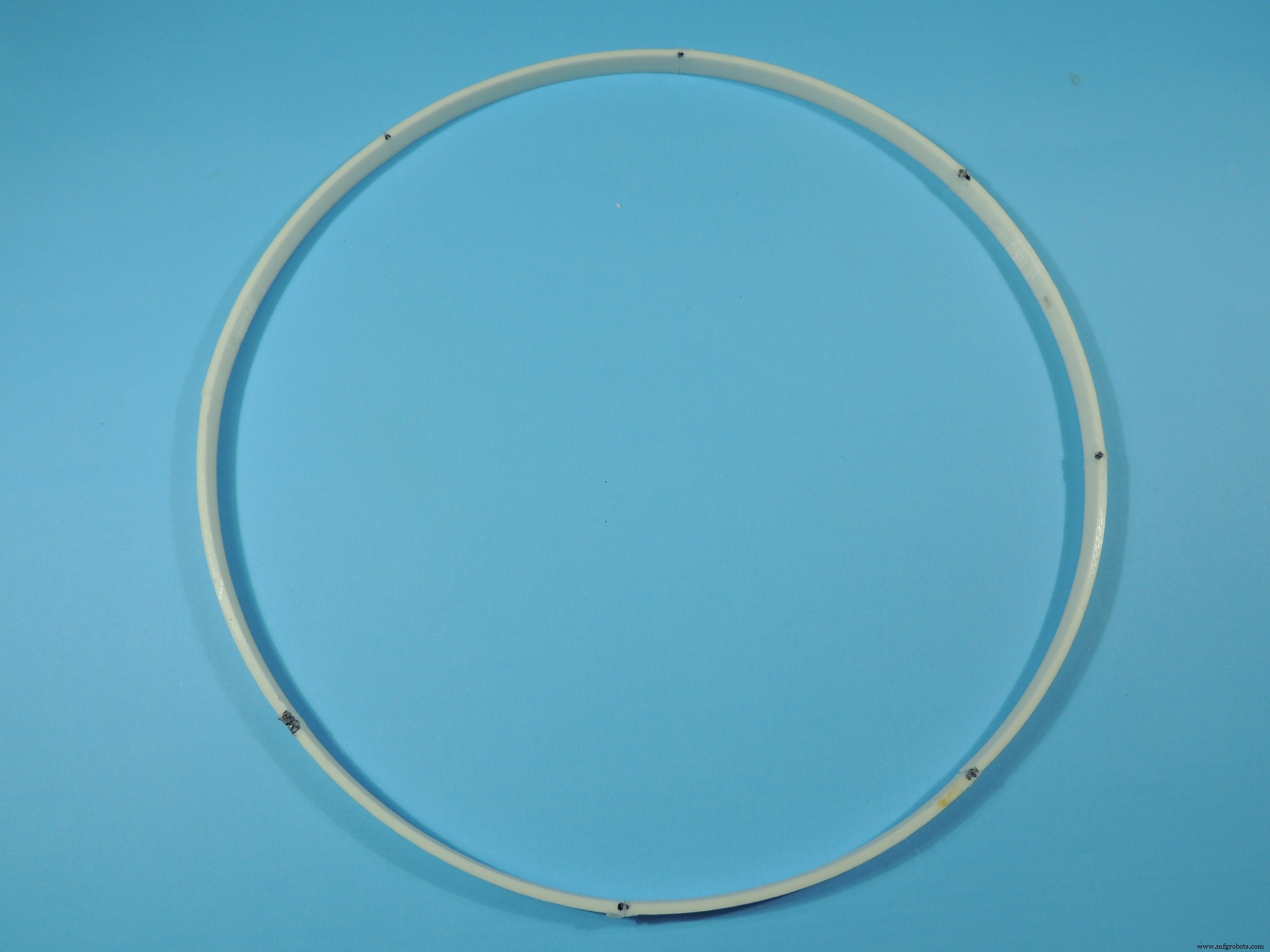
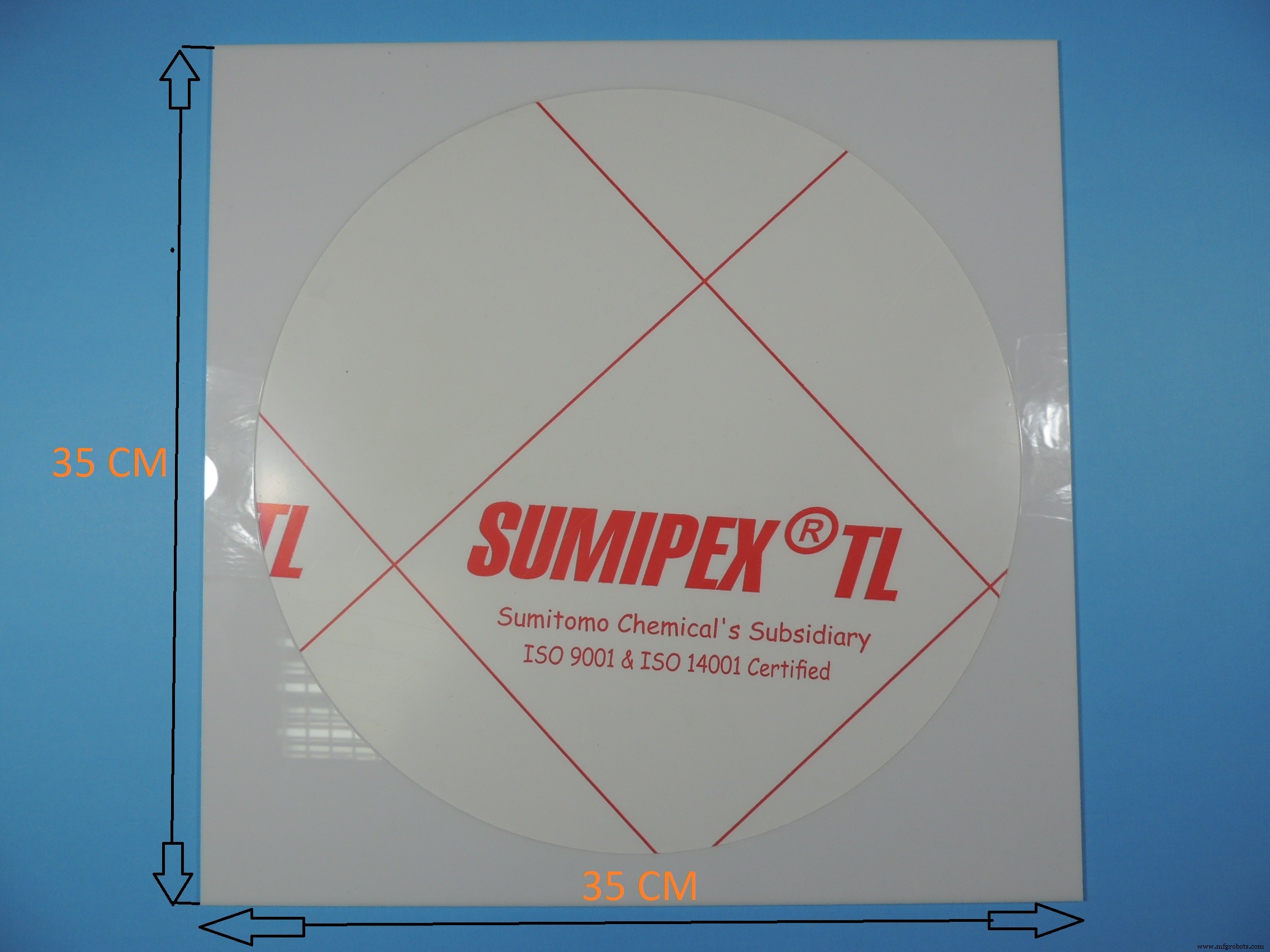
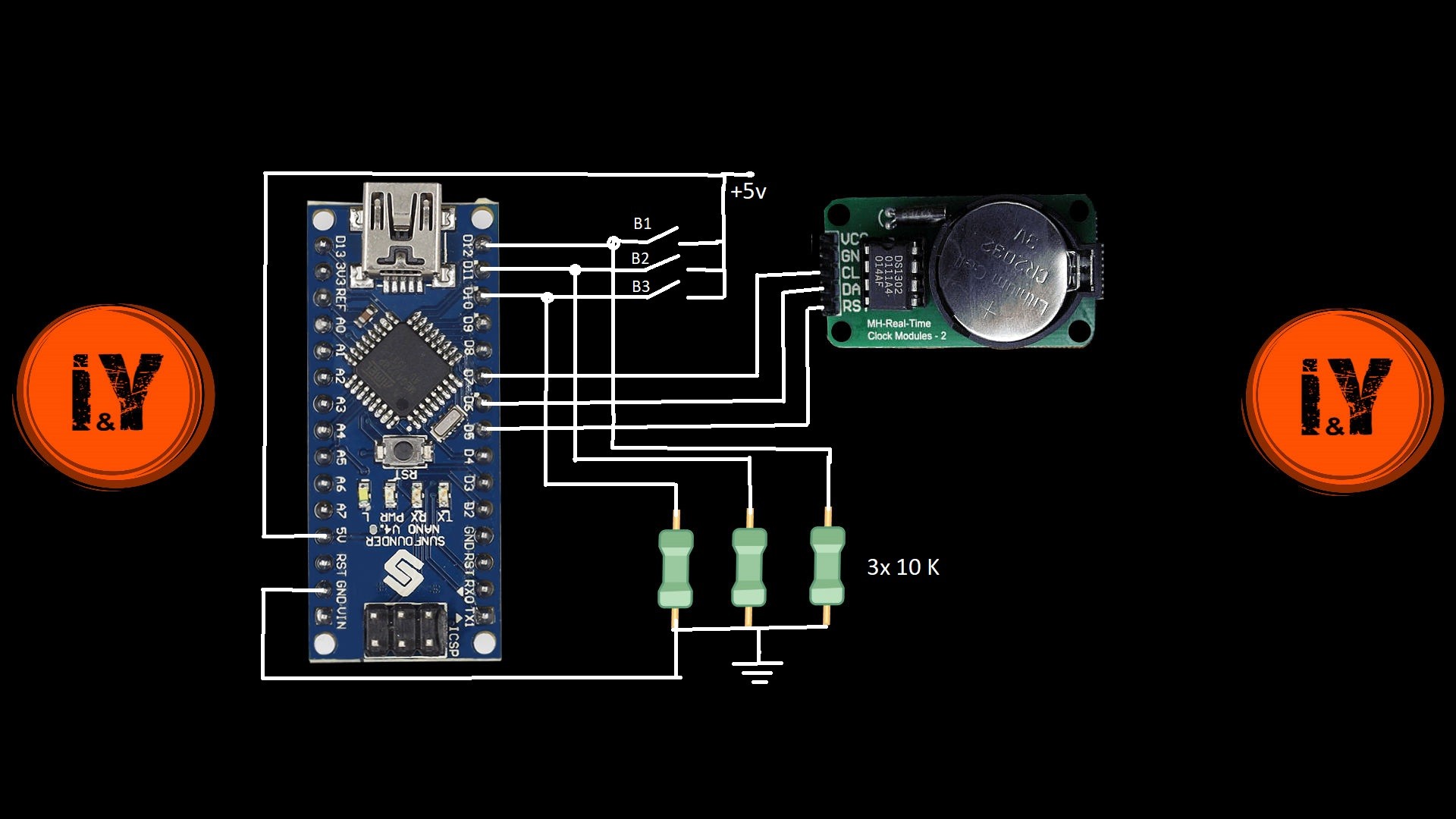
Schémas
MKR1000 vers Google Sheets : Envoyer des données capteur par WiFi sans effort
Intégration Arduino IoT Cloud & Amazon Alexa : Guide étape par étape
Processus de fabrication
- L'Horloge à Coucou : Histoire, Artisanat et Évolution Moderne
- La science et l'art du miroir moderne
- Infinity Gears : un réducteur à 41 étages pour une rotation de 346 quintillions d'années
- Horloge POV Arduino : Construire un affichage LED à persistance rétinienne
- Générateur d'Horloge Verilog : Guide de Conception et d'Implémentation
- Horloge à Mots DIY Arduino – Afficheur Temps Réel Élégant et Personnalisable
- Hygromètre à miroir refroidi DIY Arduino – Surveillance précise température et humidité
- Miroir infini kaléidoscope DIY – Construire un affichage LED époustouflant
- Construire une horloge maître LED personnalisée avec alarme – Visible à 12 mètres